MailPantry is a lightweight desktop email client for Windows that stores all your messages locally — so you can read, search and reply even when you're offline.
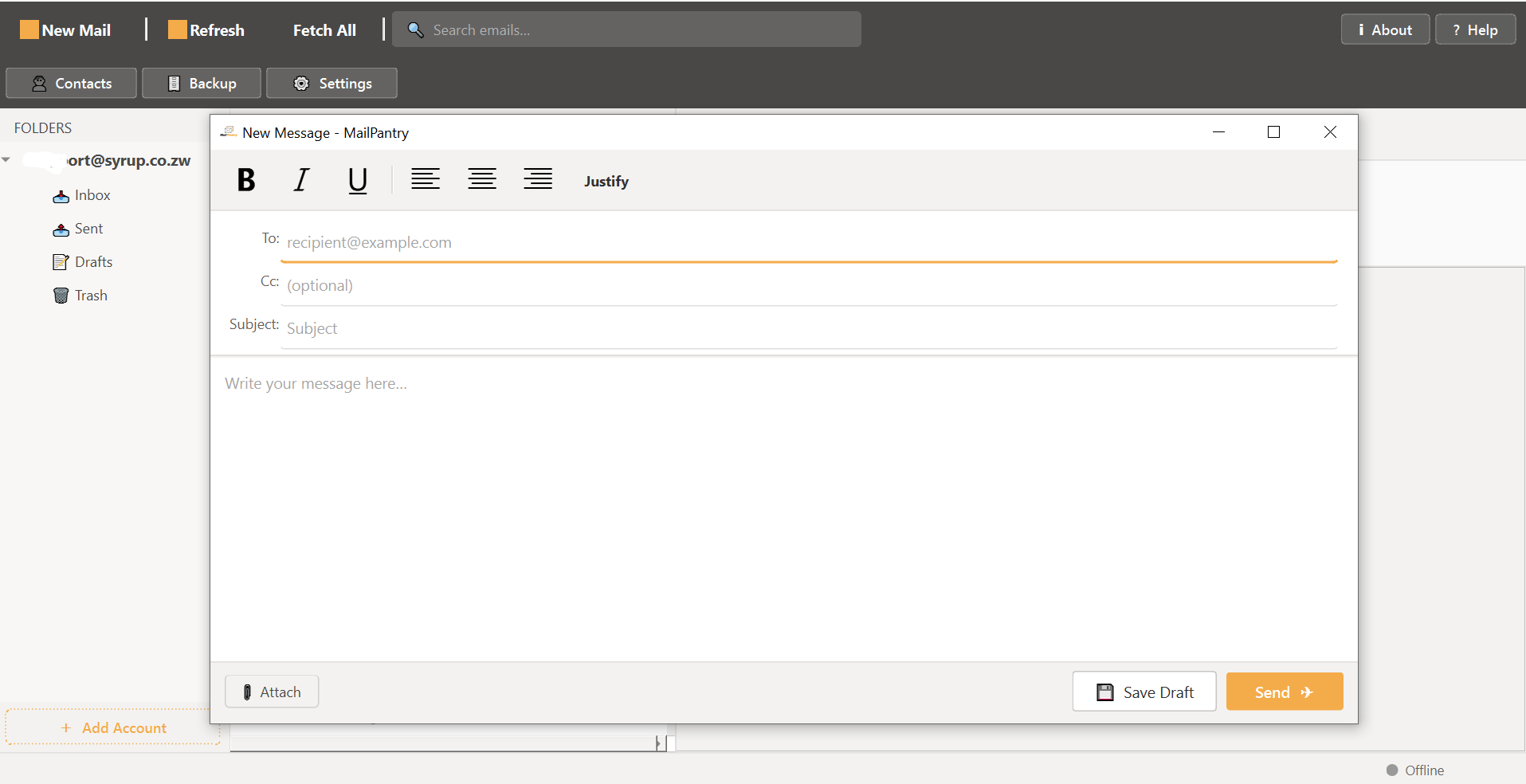
Built to be fast, private and simple. No subscriptions, no telemetry, no cloud sync required.
Connect Gmail, Outlook, Yahoo or any IMAP provider. Switch between accounts in one click.
All emails stored locally in SQLite. Read, search and compose without internet.
Instantly search subject, sender and body across all local emails.
Runs in the system tray and notifies you the moment new mail arrives.
One-click backup of your entire email database. Restore on any Windows PC.
Beautiful dark and light themes with warm orange accents.
Download, open and save attachments. All indexed locally.
Checks for updates automatically. One click installs the latest version.
Free for personal and commercial use. No account required.
Download the installer, run it, and MailPantry is ready. No Python, no dependencies.
Download MailPantry_Setup.exeFour steps and you're up and running.
Click the download button. Your browser may warn about .exe files — click Keep or Download anyway.
Double-click the file. If SmartScreen appears, click "More info" then "Run anyway".
The Add Account dialog opens on first launch. Enter your email and IMAP server details.
Click Refresh or Fetch All. MailPantry checks for new mail automatically.